Assassin’s Creed Shadows is best experienced with a controller if you are on PC. While Xbox is the most popular controller for PC, many prefer PlayStation controllers. In fact, I myself am using the Nacon PlayStation controller on PC.
But one of the most common issues with this kind of setup is the game not recognizing PlayStation controllers but instead giving out Xbox prompts.
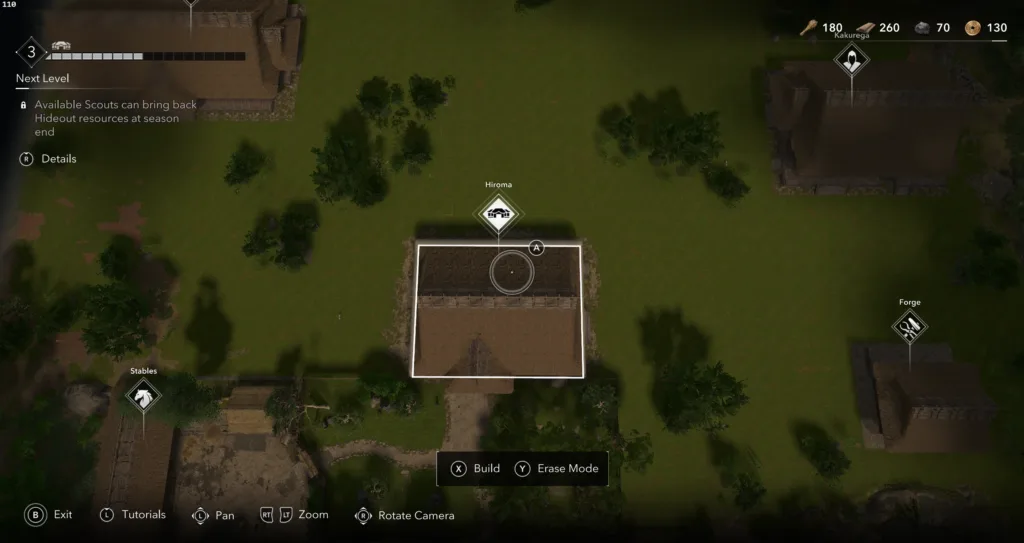
As you can see in the screen grab above, I am getting Xbox prompts but as I said, I am using the Nacon’s PlayStation controller. This is a common problem with people using PlayStation controllers on PC.
This discrepancy is usually due to Steam’s default controller settings, which might override the game’s built-in support for PlayStation controllers.
Steam’s Input feature by default standardizes controller inputs, which can result in clashes between the controller used and the on-screen prompts shown.
For example, if you are using a DualShock 4 or DualSense controller, Steam may still show Xbox button prompts if its input settings are not changed properly.
How to Use PlayStation Prompts on PC in AC Shadows
- Launch the Steam client on your PC.
- Click on the ‘Library’ tab to view your list of games.
- Locate Assassin’s Creed Shadows in your game list.
- Right-click on the game title and select ‘Properties’ from the context menu.
- In the Properties window, click on the ‘Controller’ tab.
- You’ll see an option labeled ‘Override for Assassin’s Creed Shadows.’
- Click on the dropdown menu next to this option and select ‘Disable Steam Input.’
Launch Assassin’s Creed Shadows and the controller prompt issues should now be fixed. If you are using a PS4 controller, some sound effects are played through the speaker of the DualShock 4 controller, and there doesn’t seem to be an in game way to turn this off.
Steam Input is a feature that is intended to give controller support anywhere in the game.
However, in games like Assassin’s Creed Shadows that do natively support certain controllers, Steam Input can break things by assigning wrong button prompts. Disable Steam Input and the game should be able to talk directly to the controller and show the right prompts.