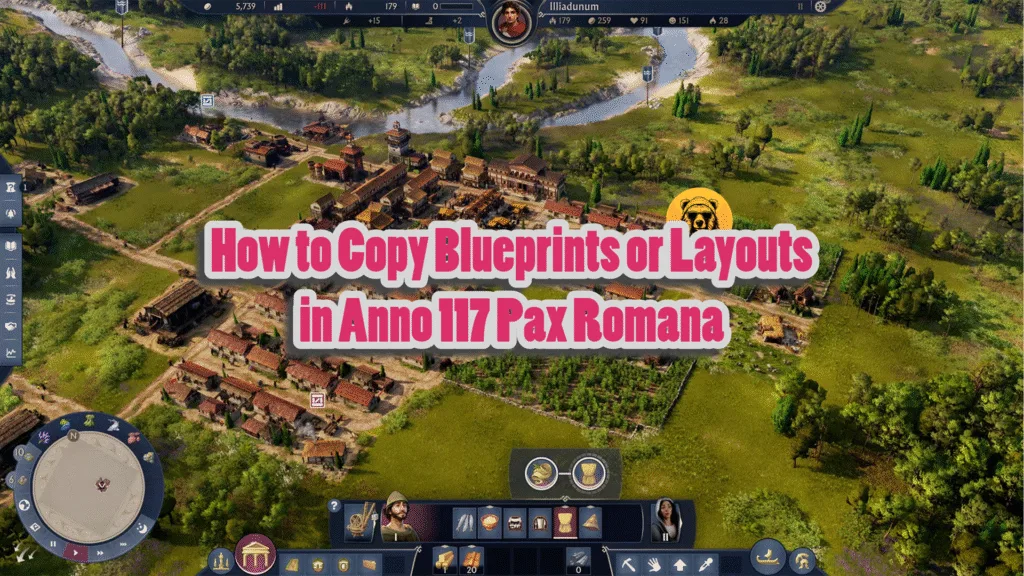
While trying to build up your kingdom of Anno 117 Pax Romana, you will eventually need to duplicate a blueprint or layout. However, this task is not easy, as you will have to design a layout that can then be copied to mass-produce a production chain or a residential block.
You will have to enter the blueprint or planning mode. This Anno 117 Pax Romana guide will take you through the whole process.
Enter the Planning or Blueprint Mode in Anno 117 Pax Romana
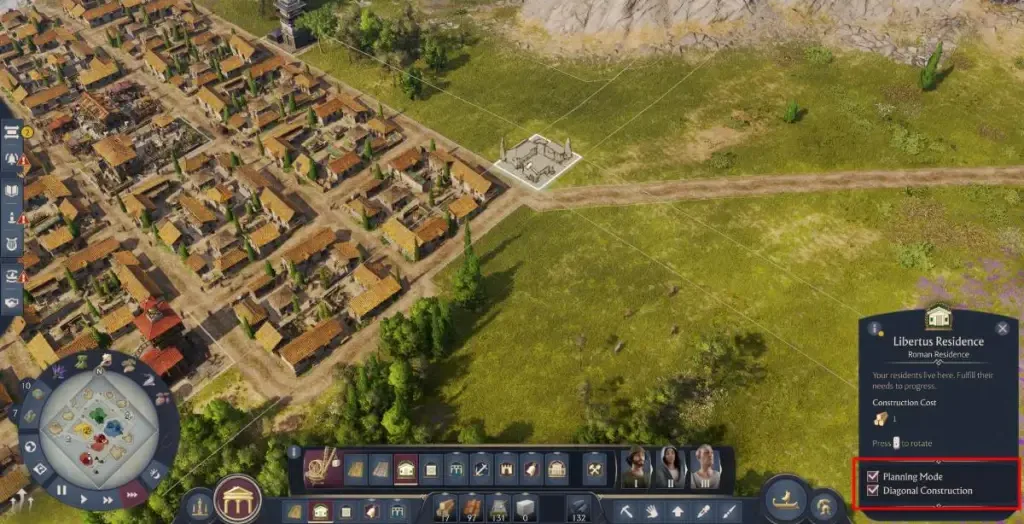
Press V to enter blueprint mode, and all built objects will appear as blueprints.
Click the Planning Mode option while building any structure and look at the lower-right tooltip. The planning mode can be used to build ahead on certain future projects. This is pretty useful, as in the future, you will get worked up with several other things to manage.
You need to have a design planned, and when you do, press “U” to use the upgrade tool. Now, select all the structures you want to construct and then hold “Shift” while clicking a specific building to construct all buildings of the same type.
How to Copy Blueprints in Anno 117 Pax Romana
Now that you have the blueprint ready, press C to use the copy tool and drag the selector for how much you want to copy from a layout. Pretty suitable for replicating blocks of 4×4 residences and positioning them within the game’s grids.
Keep in mind that copying the layout also copies the road around. This also includes any aqueducts you have inserted to the side. Also, you can’t get a full blueprint copy of a past layout. Make use of this feature to make your Anno 117 Pax Romana’s kingdom better.
It’s suggested to place your desired blueprint layout in an empty space on any island, as this allows for easier copying and pasting later in the game.
All of this comes with a cost. Without enough materials, you are not going to get a full blueprint. However, the game will still try to build as many structures as possible with the current materials you have. See some structures highlighted in red? That’s probably because of some obstacles, so make sure to remove them first.
To check the required materials, check the lower-right corner of your screen while holding a copied layout.