Emulators are a big part of the retro gaming community. Whether they are on PC, mobile, and simply using the Raspberry Pi for emulation, retro gamers want emulation on everything. Thankfully, Android is a platform that supports it and one of the best options for emulation on Android is ePSXe, if you want to emulate classic PS1 games.
The process of installing the ePSXe is easy, its step up is easier. However, it should be noted that the emulator legally requires you to own the console you are emulating. In this case, the PS1.
Now with the legality out of the way, lets talk installation and setup.
How To Install EPSXe on Android
Open the Google Play Store on your Android device. Search for ePSXe. It typically costs around $4. Download and install the app to get started.
ePSXe requires a PlayStation BIOS file to function. The most commonly used BIOS file is scph1001.bin.
You must legally own a PlayStation console to obtain this file. If you have a PS1, you can extract the BIOS from your console.
Alternatively, you can find the BIOS file online, but ensure you comply with legal guidelines regarding BIOS files.
Also download the 7Zipper from Google Play Store. How you’ll use the 7Zipper? I’ll get to that in a minute.
First, boot up the ePSXe on your Android device.
Download a BIOS File
When you boot up the ePSXe emulation software it’ll ask you for a BIOS File. BIOS Files for ePSXe are available online simply run a search and download.
Know that most sites offering BIOS files also have ROMs for the games you want to play but that’s illegal.
But well, we all know which route you’re going to take so let’s not pretend.
Find and download the BIOS files and then unpack the BIOS file with the 7Zipper app.
Once the BIOS is downloaded and extracted, open ePSXe app again. When prompted, select Run BIOS. ePSXe will search for the BIOS file on your device.
Go to the folder where you extracted the BIOS file and select scph1001.bin.
Get the ROMs
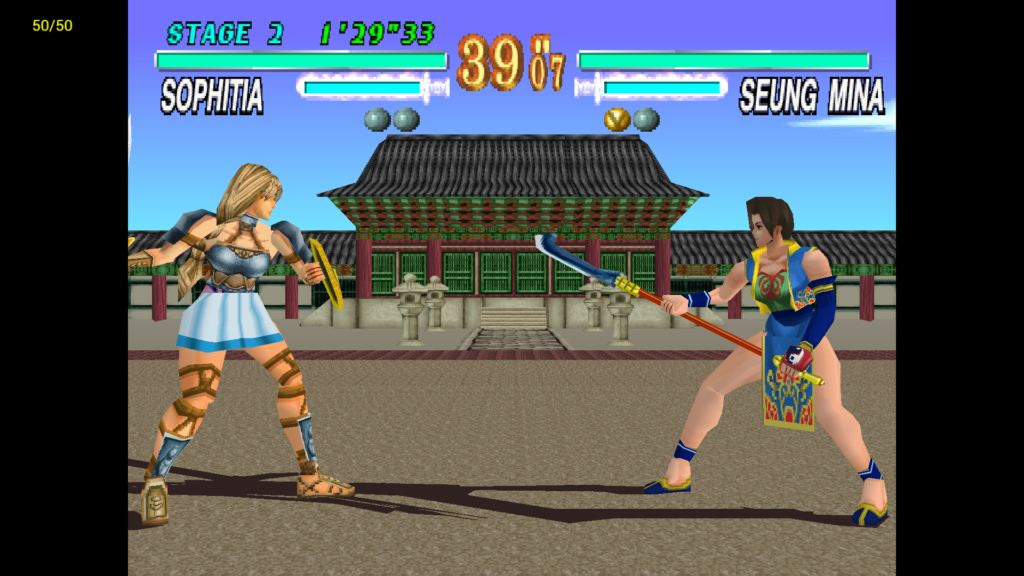
To play games, you need to have PS1 game ROMs (ISOs). I’m not gonna tell you how to get them, you already know.
Place your game files in a folder on your device. In ePSXe, select Run Game and navigate to the folder where your game files are stored. Choose the game you want to play.
Once your game is loaded, you can configure the on-screen controls or connect an external controller via Bluetooth.