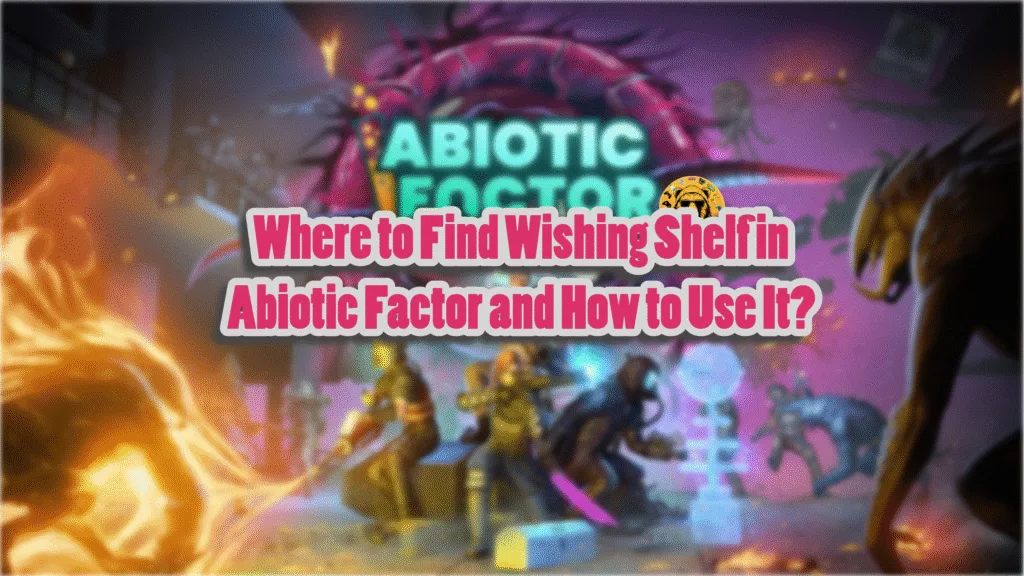
The new Abiotic Factor’s Crystosphere update introduces the snowy North Pole. Among all newly added items, there’s the Wishing Shelf, which has three slots and a hanging Christmas stocking. Most players are having trouble using these items, so in this Abiotic Factor guide, I will take you through how to use the Wishing Shelf.
Where Can I Find the Wishing Shelf in the Abiotic Factor
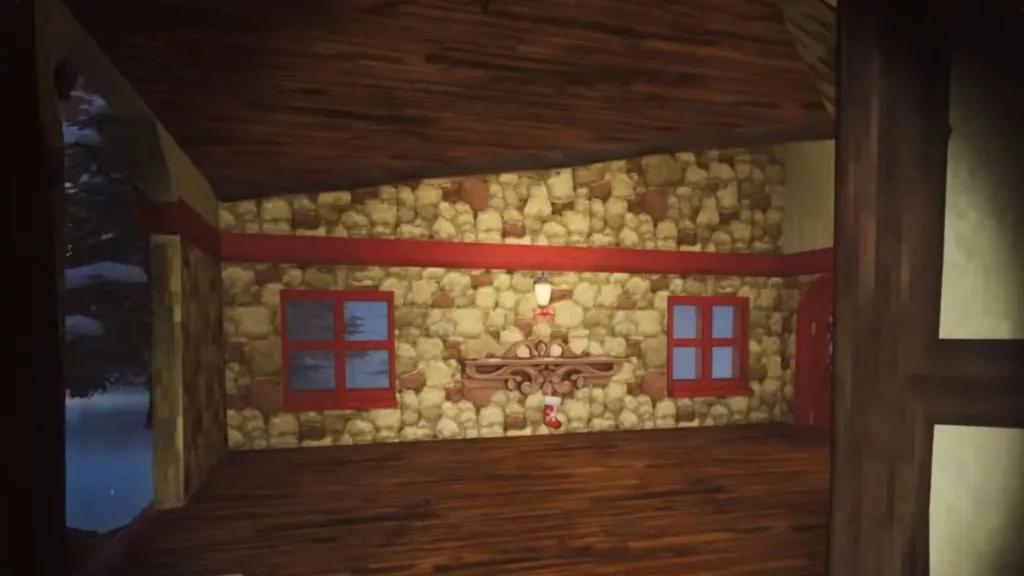
As I mentioned at the start, we have gotten the new North Pole area. To unlock it, you will have to find and activate a particular Snow Globe within the Inner Wing section of the Cascade Laboratories. But where do we find that Snow Globe? Let’s take a look at that.
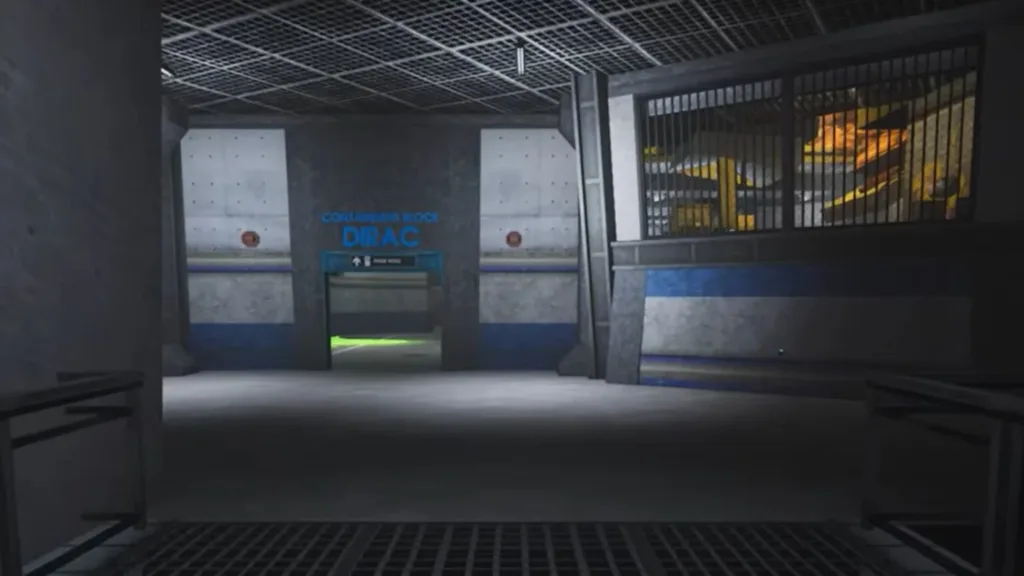
Enter the Cascade Laboratories and make your way through the Office hallway. You will eventually reach a sign for C-Block, from where you will need to go to Inner Wing and find the entrance for the Containment Block: DIRAC.
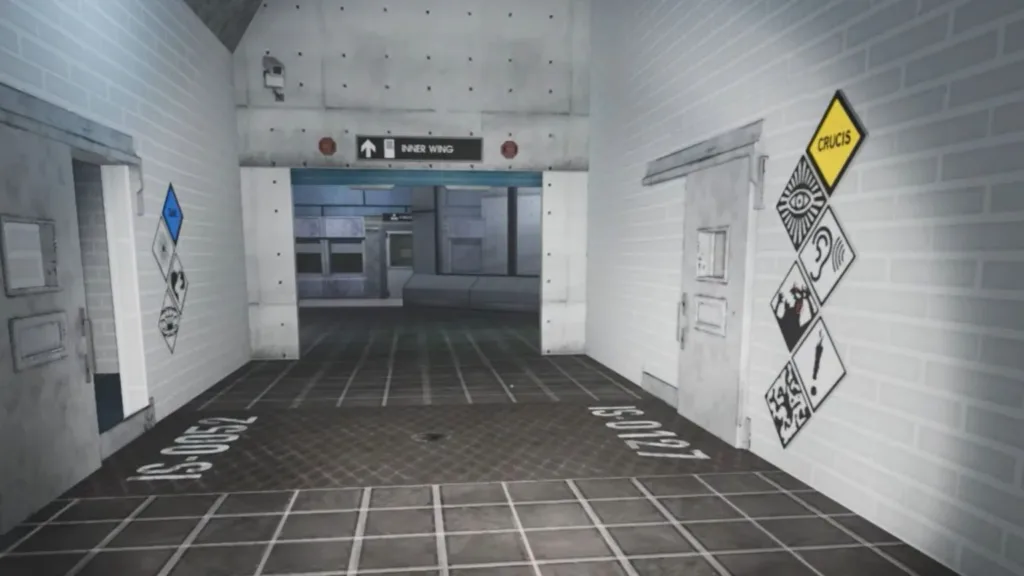
Head into the entrance and keep going through the Inner Wing passage to reach an area with several doors. Among them, interact with the IS-0127 door and enter it. After that, interact with the Snow Globe, and you are now at the North Pole.
Make your way towards the Snowman boss, where you will need to enter the house to your right to find the Wishing Shelf at the very back of the house.
Now that we have found the Wishing Shelf, it’s time to see what it’s capable of.
What is the Wishing Shelf in Abiotic Factor?
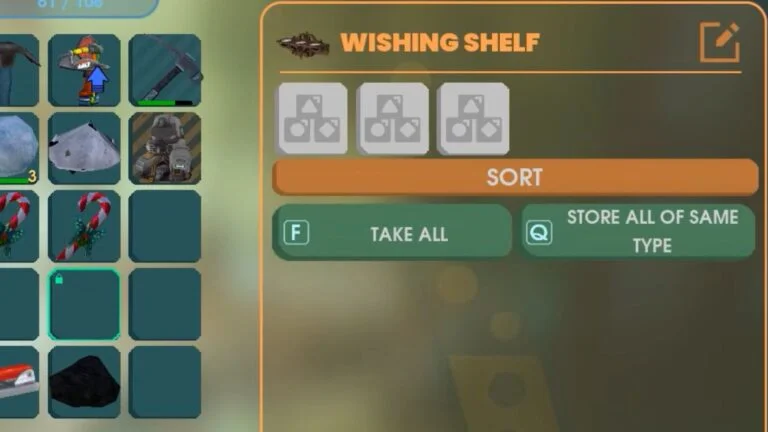
In simple terms, the Wishing Shelf acts as a duplicator that replicates items placed within its three shelf slots. Pretty useful if you are looking to create multiple copies of some rare items. Here’s how to use the Wishing Shelf:
- Interact with it, and the inventory menu will open.
- See the Wishing Shelf menu on your right? Drag items from your inventory and drop them in its three slots.
- Exit the menu, and you will see that all your selected items will be shown on the shelf.
- Wait until the duplicates of those items appear inside the stocking hanging below the shelf.
- Once they appear, interact with the shelf, remove the items from the slot, and then put them back in your inventory.
- Place the new items in the slots, and now, it’s just a waiting game until the duplication process completes.
And that’s everything you need to know about the Wishing Shelf in Abiotic Factor. I hope that this guide helped.