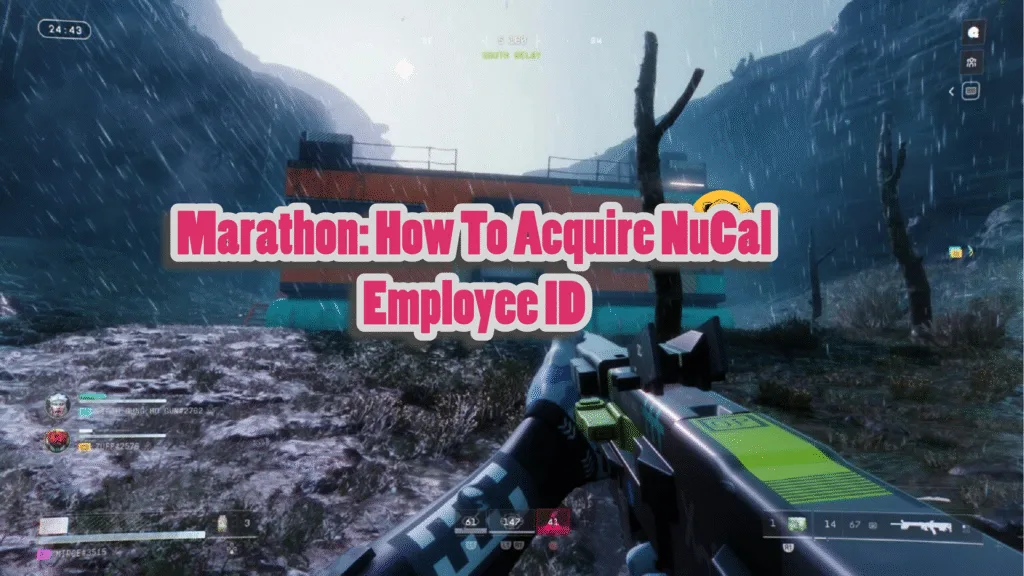
When playing Marathon, you want to keep an eye out for a NuCal Employee ID since it is needed for the Introducing: NuCaloric Liaison Contract.
For reference, Marathon has two types of contracts, Liaison and Priority. The latter is tied to leveling up and progression, while the former is used to unlock a faction’s progression path, which, in this case, is the NuCal faction.
To complete Introducing: NuCaloric, players must effectively complete two simple steps:
- Find NuCal Employee ID
- Download employee data from workstation
This is where finding the NuCal Employee ID comes in.
Locating The NuCal Employee ID
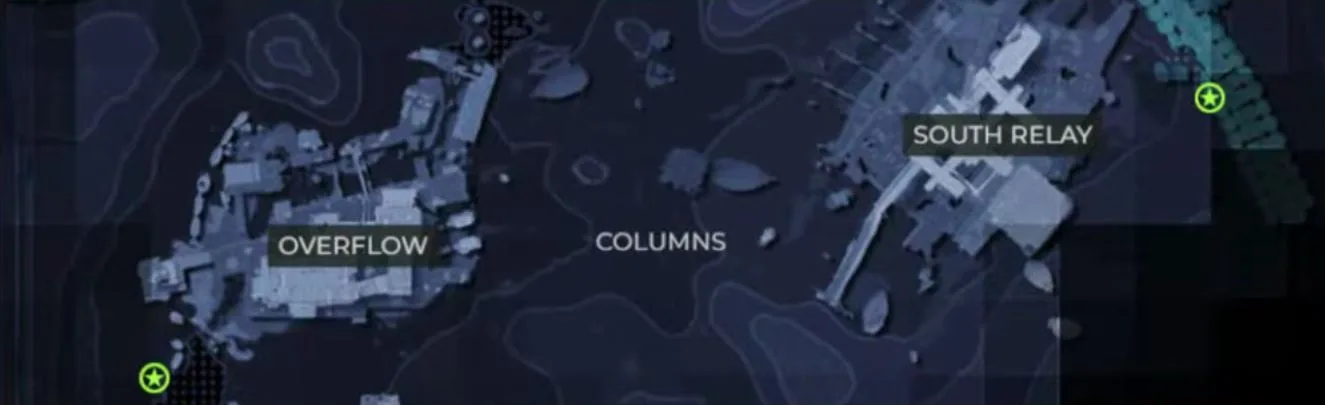
The Introducing: NuCal contract can be completed on the map Perimeter. The good news here is that this map has variants with Low and Very Low difficulties, with the latter being recommended for newcomers who want to focus on completing the contract.
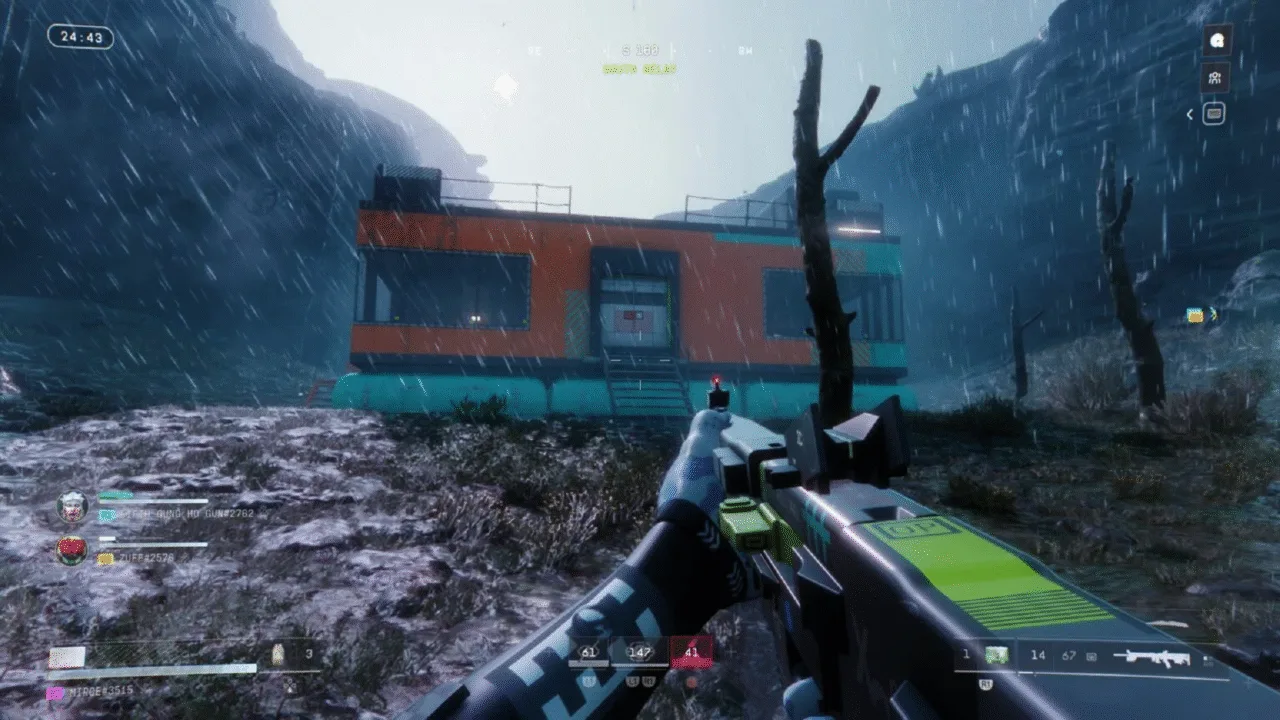
Once loaded into Perimeter, begin by looking for a tick-infested building in Columns. You can find Columns toward the southern part of the map between Overflow and South Relay. Once at the location, look for a huge 2 on the side of the structure to easily identify this tick-infested building.
Of course, this building should also be full of tick nests, so spotting it shouldn’t be too difficult. Once this is done, begin by taking care of the turrets firing at you first. To make quick work of the ticks later, simply take down the tick nest and make your way inside.

Initially, you’ll notice that the door to enter the building is closed off. However, a ladder on the east side should get you up and lead to a vent at the top. Break open this vent, and you should now be inside the building to access the NuCal Employee ID.
Before you can grab the ID, however, you must activate the power by interacting with the terminal right in front of you. Once the power is restored and the door opens, you’ll find yourself up against a wave of ticks and various tick nests.
Clearing out the ticks should be fairly easy, regardless of the weapon at hand, and once the building is cleared out, head to the room directly to the right of the front entrance to find the NuCal Employee ID.
Download Employee Data
To complete the contract, interact with the terminal in the same room to download employee data. The download will finish on its own, and once it does, the contract is marked complete.
Note that both steps of Introducing: NuCaloric need to be completed without dying for the completion status and rewards. You don’t need to extract, but dying between the two steps will require restarting all over again.
Once these steps are completed, you can continue to play the game as normal or return to the Cyber Acme menu to find your rewards.
Receiving Rewards
Among the rewards, Introducing: NuCaloric will unlock the NuCal faction and its various upgrade trees, gear, and missions.
You can also expect to earn XP for simply completing the contract while also increasing your reputation for both the CyberAcme and NuCal factions.