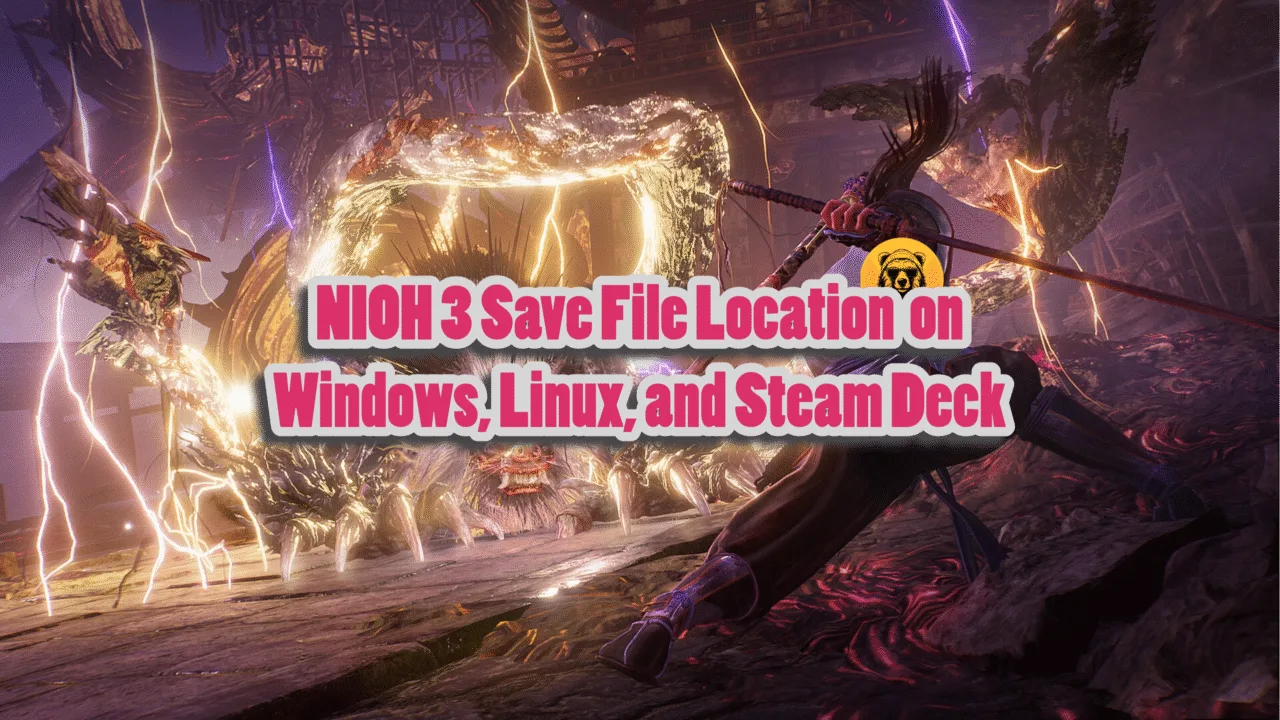
Nioh 3 is the third installment in the dark samurai action RPG series, developed by Team Ninja. The game is doing pretty great, with highly positive reviews on Steam. Aside from the DXGI Device Removed crashes, the game runs well on PC. However, PC players are annoyed by the lengthy intro videos in NIOH 3 that they can’t skip. This guide will help you skip the intro videos, which will save you some time.
How Can I Skip Nioh 3 Intro Videos on PC?
Players were complaining about the intro videos wasting their time, and Lyall, as usual, came in clutch with a patch that removes the intro logos and videos for Nioh 3. Follow my lead:
- Ensure that Nioh 3 isn’t running on your PC.
- Click on this link and download the latest patch (0.0.4 at the time of writing) by clicking Nioh3Fix_0.0.4.zip under the Downloads section.
- Open Steam Library> right-click Nioh 3> Manage> Browse Local files, and extract the zip file there.
- Launch Nioh 3 and the intro videos will be skipped by default.
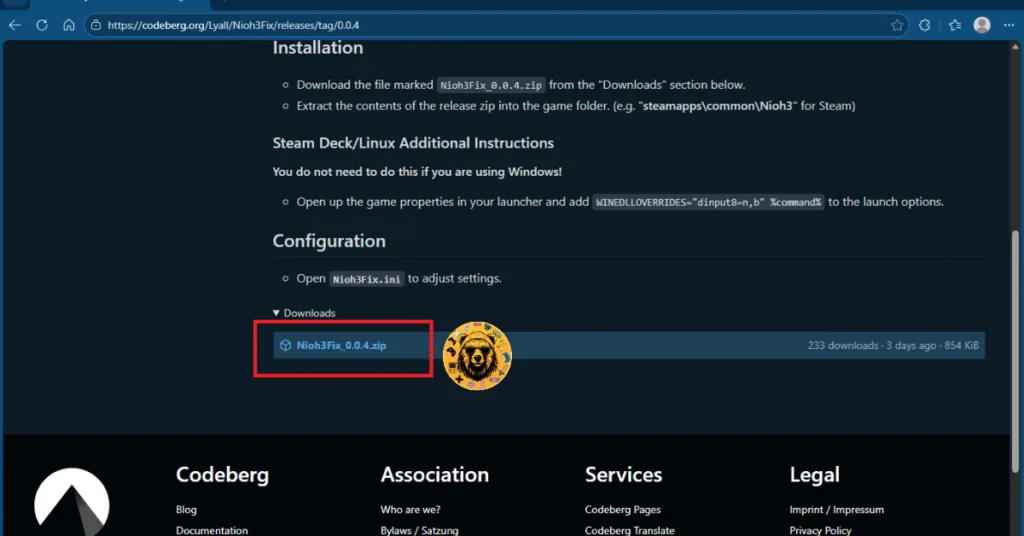
Aside from that, the patch introduces some additional features:
- Custom resolutions: You can use custom resolution values to render Nioh 3.
- Adjust LOD distance: Adjust “Multiplier” to increase the draw distance of level geometry.
- (Experimental) Adjust framerate cap.
- Menu Frame generation: Enables frame generation in the menus.
- Support for <16:9 resolutions with corrected HUD issues.
- Expanded support for ultrawide resolutions.
- Fix cropped pre-rendered movies (ultrawide).
- Fix vert- FOV in cutscenes (ultrawide).
Open any text editor and enable these by editing the Nioh3Fix.ini file (It is part of the same zip file as the patch).
All credit to Lyall, they always come in clutch with their patches. Keep an eye out on the releases page as they might update this patch with new features.
That’s how you can skip intro videos and logs in Nioh 3. Hope you found this guide helpful. For more on NIOH 3, also see our other guides and fixes for it.