Resident Evil Requiem’s launch has been a great one. Not only did it get a great critical reception, but the player count was high as well. Despite being an optimized game for PC, players are experiencing Fatal D3D Error crashes on PC. However, you are here to locate the save files for the game. The following is the Resident Evil Requiem save file location on PC.
Resident Evil 9 Requiem Save File Location
| Client | Save File Location |
|---|---|
| Steam (Windows) | C:\Program Files (x86)\Steam\userdata\ Your Steam ID*\3764200\remote\win64_save |
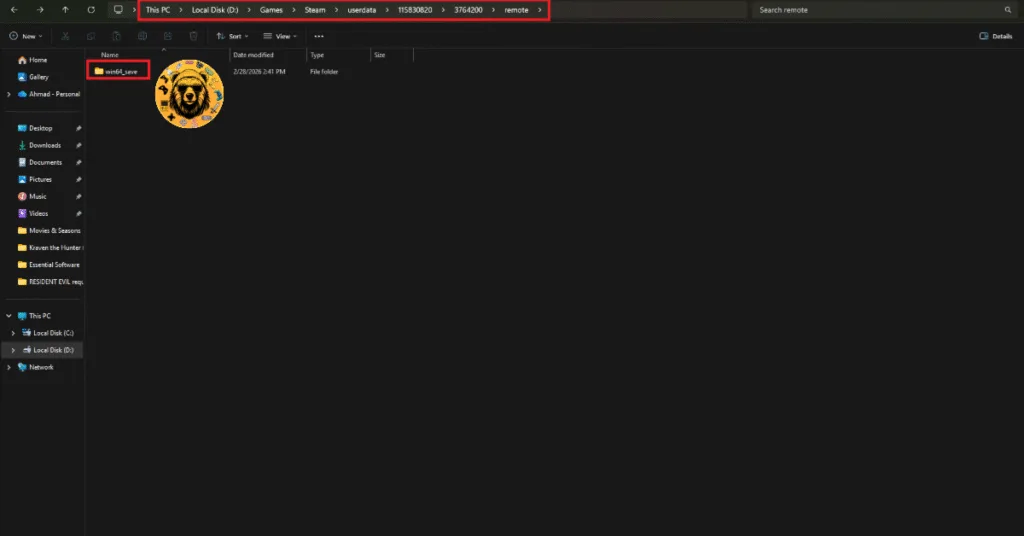
* Steam User ID is a 17-digit unique identifier for your Steam account. Open Steam, click your profile name at the top right, select “Account details” option, your Steam ID will be under your username.
The path I mentioned for Steam installation is the default one. If you have installed Steam on another drive, open the Steam folder through that path, and then the userdata folder to locate the RE9 save file.
You’ll find your save files in .BIN format in the win64_save folder. If you want to back up your saves, I suggest you copy the win64_save folder instead of individual saves.
However, if you have Steam Cloud Synchronization enabled, then you don’t need to manually back up and move your saves, as Steam will automatically download your saves on the new device, provided you are using the same Steam account.
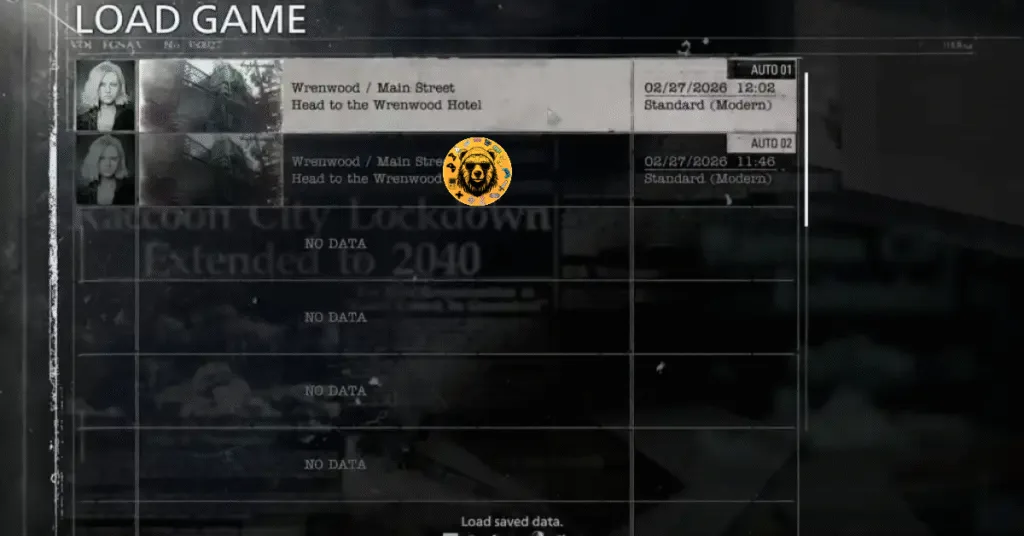
Are there Multiple Save Slots in Resident Evil Requiem?
Yes, there are multiple save slots in Resident Evil Requiem. These are useful for different players to start separate runs of the campaign, without overriding others’ progress.
That is all for our Resident Evil Requiem guide on where to find its save files on PC. For more on the game, also see our other guides for RE Requiem.