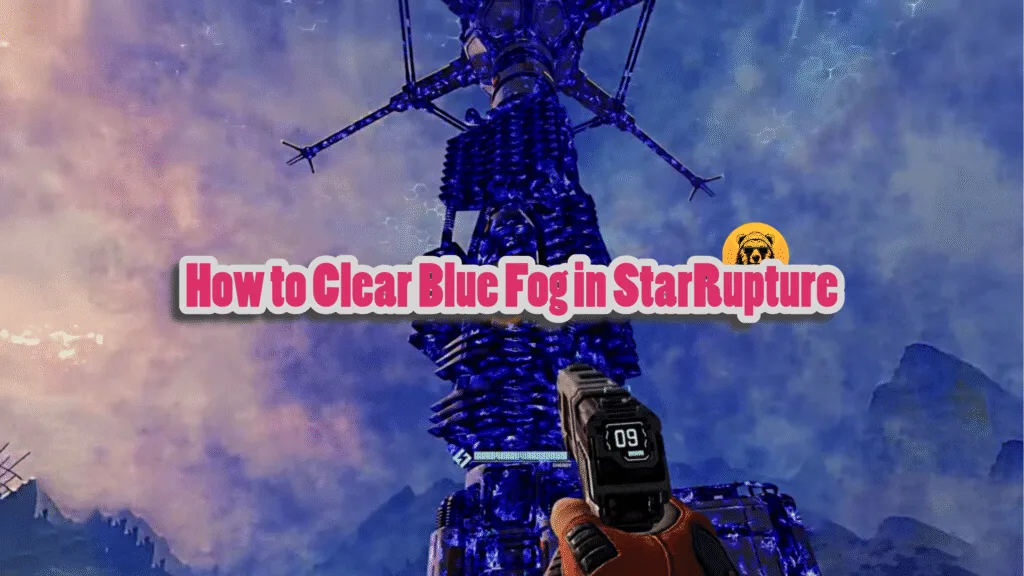
Getting to grips with the base mechanics in StarRupture can be a bit tricky at first, particularly looking at how these bases can easily become infected by overwhelming vermin attacks.
In the event that an infection occurs, your base will be surrounded by a blue mist, but you can follow these simple steps to ensure everything returns to normal relatively easily.
What the blue mist does is that it effectively limits your shield regeneration to a point where combat encounters can become more challenging than they should be.
This fog disabling the shields and healing inside it, locks production buildings and geo-scanners, spawns endless vermin waves, tints structures blue, and marks your base blue-violet on the map, making it a prime target.
The blue mist typically shows up when vermin explode when they are shot. Blue vermin getting too close and blowing up themselves can also lead to the blue mist showing up and affecting your shields.
How To Clear the Blue Fog on Base in StarRupture
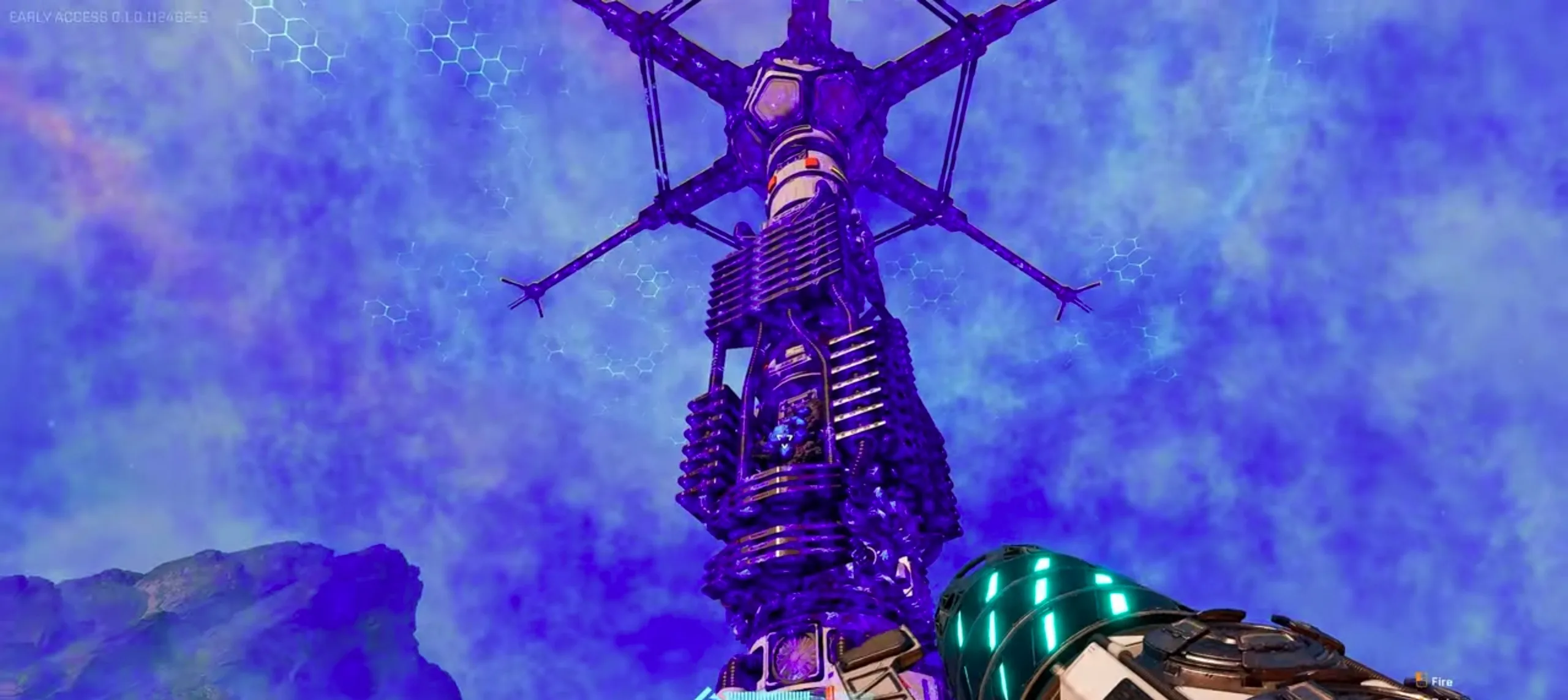
When a base is attacked, smaller blue vermin immediately attack the base core while the larger ones target the players. Therefore, your first priority should be to stop the smaller enemies to prevent base infections in the first place.
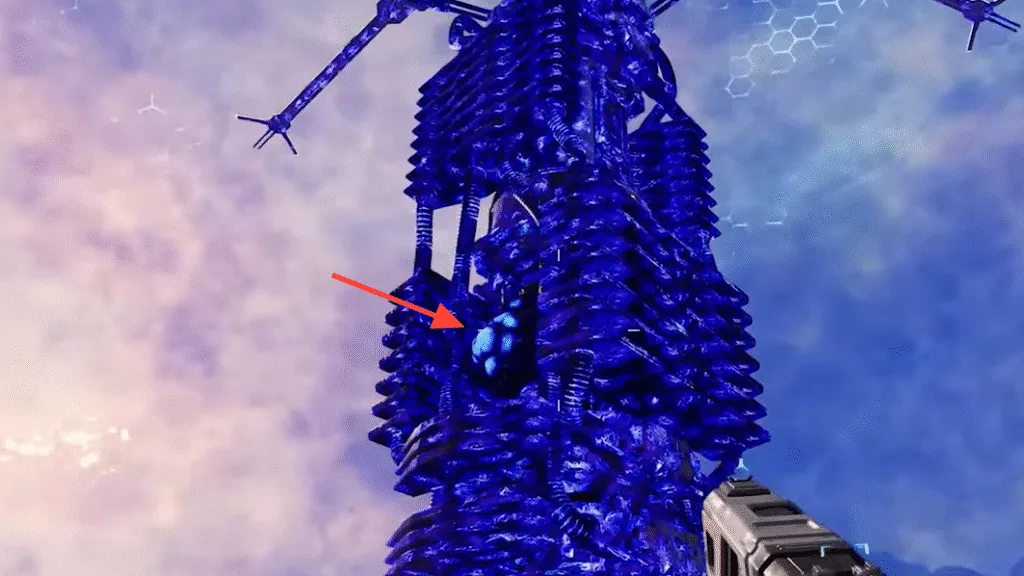
However, if an infection does occur, navigate to the base core and look for small blue infections. A common spot for a blue infection is at the top of the core structure, and once you’ve found it, simply shooting it will do the trick.
Do note that certain bases might require getting rid of multiple blue infections for the best results. Also, waves erupting from the rupture can be similarly useful when attempting to get rid of an infection.
These blue infections are also reffered to as cysts. Head to the Base Core tower. Scan everywhere: sides, top, halfway up, inside the central shaft. It’s a pulsing light-blue/cyan blob (tumor, nodule, hive, heart)—fainter and throbbing vs. the static blue glow. Listen for hum/pulse audio cue.
How to Disinfect the Core
Approach tower base, look at it, hold E (progress bar fills). Fully resets base, no fog, shields regen, buildings online. If there is any damage done to the base, repair it and then add defenses to protect the base in the future.
However, there are some common issues the players face. Thankfully, there are easy fixes as well. Here is what we know so far;
| Problem | Cause | Fix |
|---|---|---|
| Can’t spot cyst | Hidden on awkward angles | Circle tower fully; fly/jetpack up shaft; use audio pulse. Try Harvester for “bump” test. |
| Cyst invincible | Shielded during non-rupture | Wait for world rupture (ash sky weakens it). |
| Fog lingers post-destruction | Incomplete clear or bug | Wait 2+ mins; check for extra cysts on structures; reload save. |
| Trapped in habitat | Infection spread inside | Exit via airlock (if possible); clear from outside. |
| No E prompt | Bug after cyst kill | Restart game; rebuild core as last resort. |